 |
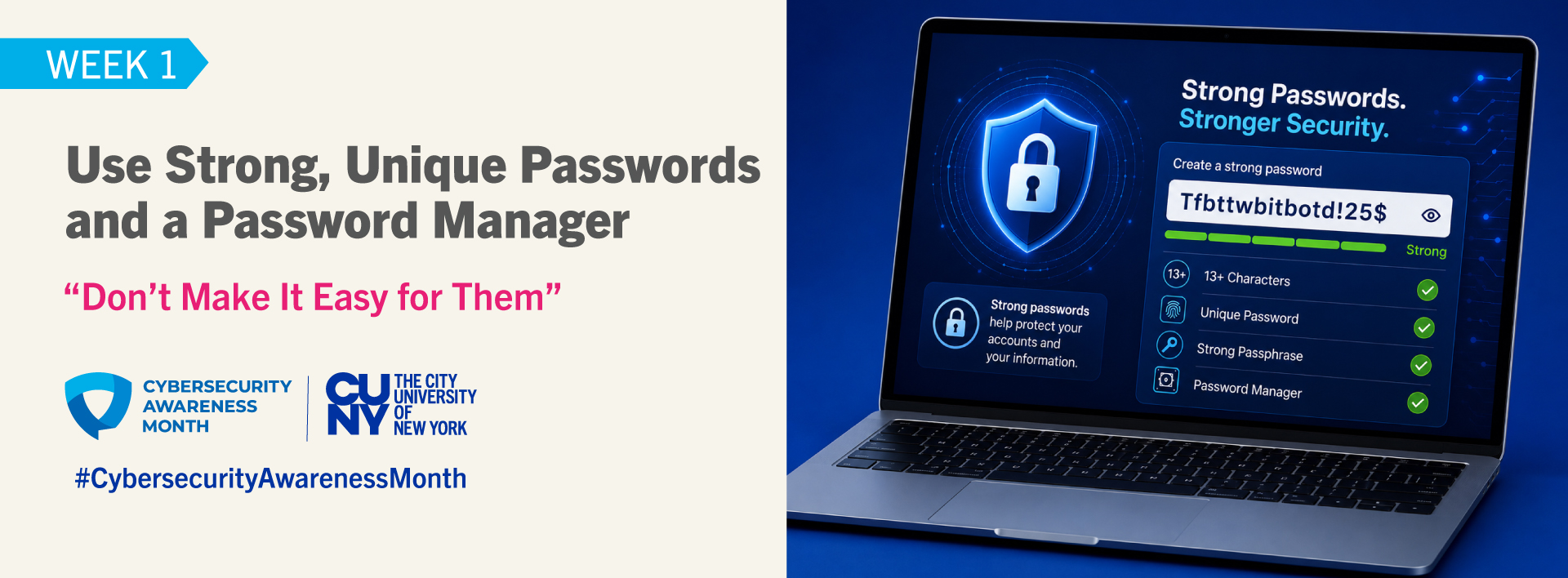
| Week 1 – Use Strong, Unique Passwords and a Password Manager (Oct 5) Introduction This week, we focus on “Use Strong, Unique Passwords and a Password Manager,” an essential step in protecting your accounts and personal information. Strong passwords are a foundation of online security. Using a strong, unique password for every account helps prevent one compromised password from putting your other accounts at risk. CUNY’s Cybersecurity Best Practices recommend choosing strong and unique passwords for every account or application and never sharing your password. A password manager can also make it easier to manage multiple strong, unique passwords by securely creating and storing them. Helpful Password Tips:· Make passwords long: at least 13 characters (longer is better).· Use random strings or passphrases: combine unrelated words or mix letters, numbers, and symbols.· Create unique passwords for every account: never reuse the same one.· Create a memorable but strong password: Consider using a long passphrase made up of unrelated words that is easy for you to remember but difficult for others to guess.· Check for reused passwords: Review your important accounts and replace any passwords you have reused. Each account should have its own unique password.· Consider using a password manager: It can help generate and securely store strong, unique passwords.· Never Share Your Credentials: Never share your password, MFA codes, or any other authentication credentials with anyone, under any circumstances, including fellow students, faculty, staff, supervisors, subordinates, executives, contractors, vendors, or IT personnel. Legitimate support staff will never ask for your password or MFA code. If anyone requests or pressures you to provide your credentials, report the incident immediately to Student Affairs, Human Resources, or your Information Security Office.Password Resources:· CUNY Cybersecurity Awareness Month – Password Guidance· CUNY Cybersecurity Best Practices· How to Create Strong Passwords (and Remember Them!) – NCA· What Is a Password Manager? Time to Log in Safer – NCA· Secure Our World – CISA Facts and Figures: Insights from the Oh Behave! Cybersecurity Attitudes and Behaviors Report: 2021–2025 (National Cybersecurity Alliance & CybSafe) are as follows:· 62% of respondents report regularly creating unique passwords, a decline from the previous year.· 41% of respondents never use a password manager.Helpful Cybersecurity Tips:· CUNY Cybersecurity Best Practices· Secret Shopper, Personal Assistant, and Other Online Scams· CUNY Information Security Resources· CUNY Cybersecurity Awareness Training / Security Awareness Our emails and supporting information are available from the Cyber Security Awareness Month (NCSAM) page on the CUNY web site. We also provide a growing security resources list on the CUNY Information Security pages. You may also want to visit the OUCH! website to read recent security articles or subscribe to its free security awareness newsletter designed for technology users. If you have any questions about any of this information, please contact your college’s Information Security Manager. |

Listen Now
- Students: Schedule your appointment for an eye exam and eyeglasses at no out-of-pocket cost. Health […]
- This Halloween, give the gift that can make a real difference. Join us for the […]
- Composer William R. Bauer performs his piano composition THIS REQUIEM MASS for Palestine.
- The current situation globally is characterized by uncertainty, rapid change, and challenges on multiple fronts […]
- There will be at least two winners. In this unique twist on the popular game […]





Photo Galleries

CONTACT US
- News From CUNY: CUNY Raised $1 Billion in Philanthropic Support Over Last Four Years

- CSI Alumna Advances to Nursing Leadership at Richmond University Medical Center

- News From CUNY: CUNY TV Celebrates Four 2026 N.Y. Emmy Award Wins

- News From CUNY: New York Colleges Waive Application Fees

- CSI’s Yenna Lee Featured in The Independent on K-pop Fandom and Online Harassment